
Most people who want to add an AI chatbot to WordPress reach for the first plugin they see in the directory, hit “install,” and then discover the useful features are locked behind a $29-a-month plan. You don’t need that. The AI doing the actual talking — the model — is priced per message, and it’s cheap. The subscription you’re being asked to pay for is mostly the convenience wrapper around it. This guide shows you three ways to skip that wrapper and keep the intelligence.
Hosted chatbot tools bundle three things together and charge you monthly for all of them: the AI model, a dashboard, and hosting. But the model — the part that answers your visitors — is billed by usage and costs almost nothing at small-business volume. When you separate the model from the subscription, the maths changes completely.
| Approach | Typical monthly cost | What you're paying for |
|---|---|---|
| Hosted AI chatbot subscription (Tidio, Intercom Fin, etc.) | $29–$100+/mo | Model + dashboard + hosting, bundled |
| Free plugin + your own API key | $2–$10/mo | Only the model's per-message usage |
| Custom-coded chatbot + API | $2–$15/mo | Only usage; the widget lives on your own site |
Those usage figures assume a small business site handling a few hundred conversations a month on a lightweight model. Traffic-heavy sites will pay more, but they’d also pay far more on a per-seat or per-resolution subscription plan. (API prices shift over time — check the provider’s current rate before you budget.)
There are three realistic routes, ordered from “no code at all” to “fully custom.” Pick based on how much control you want and whether you have a developer on hand.
This is the fastest no-subscription route. A handful of WordPress plugins are genuinely free and let you paste in your own OpenAI or Claude API key, so you pay the model directly instead of paying the plugin maker monthly. AI Engine by Meow Apps is the best-known example — the core chatbot is free and you supply your own key. Once it’s connected, you get a chat widget on your site and you’re only billed for the messages your visitors actually send.
Best for: site owners who want a working AI chatbot today without touching code.
- No monthly plugin fee — you pay the AI provider per message instead
- Installs like any WordPress plugin; connects with a single API key
- You can restrict which pages the chatbot appears on
- Downside: styling and behaviour are limited to what the free plugin allows
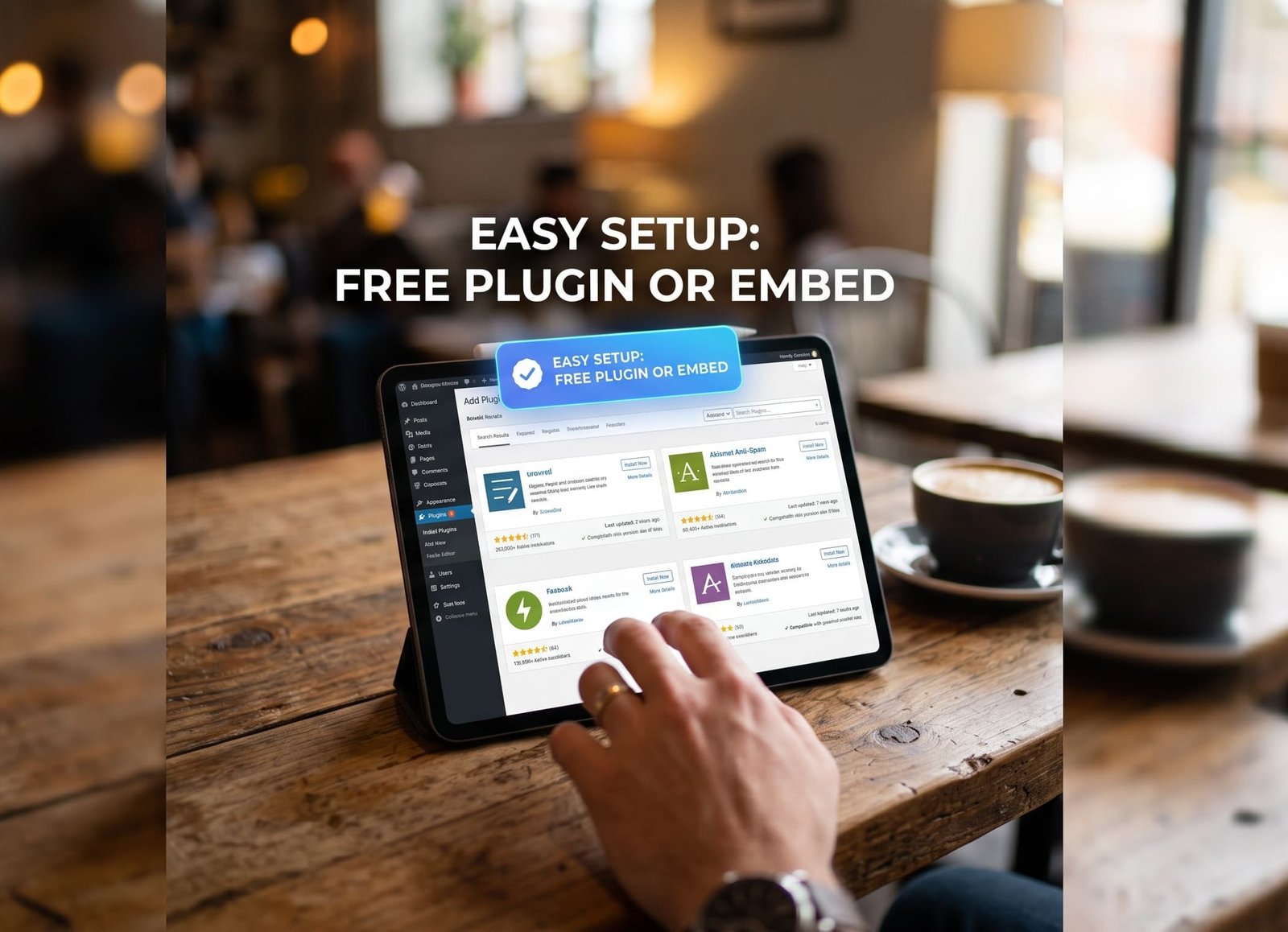
Method 2 — Embed a free hosted widget
Some AI chatbot builders have a real free tier and give you a snippet of code to paste into your site. You build the bot on their platform, then drop the embed into a WordPress Custom HTML block or your theme footer. Free tiers usually cap the number of monthly messages, which is often fine for a small business.
Best for: people who want a slightly nicer interface than a free plugin, and don’t mind a message cap.
- Cleaner chat interface than most free plugins
- No plugin to maintain — it’s just an embed snippet
- Downside: free tiers cap monthly messages, and your data lives on their platform
Method 3 — Build a custom API-connected chatbot (the developer route)
If you want a chatbot that matches your brand exactly, only answers from your own content, and has no third-party dependency, you connect the AI API directly to your own lightweight widget. This is the route that scales cleanly and never surprises you with a pricing change. It needs a developer, but the ongoing cost is just the model’s usage.
Here’s the shape of it:
- Get an API key. Create an account with an AI provider and generate a key. Read the official API documentation so you’re using a current, cost-efficient model.
- Create a small server-side endpoint. Never put the API key in front-end code where visitors can read it. A tiny PHP or serverless endpoint holds the key and forwards messages to the model.
- Add the chat widget. A simple HTML/JS widget on your WordPress pages sends the visitor’s message to your endpoint and shows the model’s reply.
- Feed it your own content. Point the bot at your FAQs, services, and pricing so it answers about your business, not the whole internet.
- Test and set limits. Add a message cap per visitor so a bad actor can’t run up your usage bill.
This is the version we build for clients at Devlet Tech when a business wants a chatbot that’s truly theirs. If you’d rather hand it off, our WordPress development team can wire it in and lock down the API key properly.
The pattern: your Shopify Plus cost scales with your revenue, because the variable fee, apps, and development all grow with your operation. The base fee is a floor, not a ceiling
Which method should you choose?
| If you want… | Choose | Coding needed? |
|---|---|---|
| The fastest free setup today | Method 1 — free plugin + your key | No |
| A nicer interface, small volume | Method 2 — free hosted widget | No |
| Full control, on-brand, scalable | Method 3 — custom API build | Yes |
Not sure what your whole build should cost, chatbot included? Run the numbers with our free website cost calculator before you commit to anything.
Why your AI chatbot might give wrong answers
Whichever method you pick, a chatbot that hasn’t been given your business information will confidently make things up. The fix isn’t a more expensive plan — it’s grounding the bot in your own content so it answers from your FAQs, service pages, and pricing rather than guessing. If you’re weighing how much of your content should be AI-generated versus written by a person, our AI vs human content calculator is a quick sanity check.
Frequently asked questions
How do I add an AI chatbot to WordPress for free?
Most small businesses spend $3,000–$10,000 for a professional build, plus $50–$400 per month ongoing. DIY builders cost $20–$99/month, freelancers $500–$8,000, and agencies $5,000–$35,000+. The biggest price driver isn’t the software — it’s who does the work and how custom the design is.
Can I add ChatGPT to my WordPress site without a subscription?
Upfront, yes — DIY builders run $200–$600 per year versus thousands for a professional build. But you’re paying with your time, and DIY sites typically underperform on speed, SEO, and conversion. It’s a good fit for testing an idea, and a poor fit for a site that needs to generate leads.
Do I need coding skills to add an AI chatbot to WordPress?
Expect $50–$400 per month, or roughly $1,000–$6,000 per year. That covers hosting, domain, security, backups, plugin updates, and content changes. Basic automated care plans run $50–$150/month; hands-on support with performance and security monitoring runs $150–$500/month.
How much does it cost to run an AI chatbot on WordPress?
Because “a website” means completely different amounts of work. One quote may include copywriting, SEO setup, custom design, and three months of support; another may be a template with your content pasted in. Always compare scope — page count, functionality, content, SEO, and post-launch support — not just the number.
Is it safe to put my OpenAI API key in a WordPress plugin?
Multiply your build quote by roughly 2.5. A $12,000 site typically costs $23,000–$42,000 across three years once maintenance, hosting, content, and iteration are included. If that three-year figure isn’t affordable, scope the build smaller rather than abandoning it half-finished.
Which free WordPress AI chatbot plugin is best?
It depends entirely on the site’s job. If your website generates leads and one customer is worth thousands, a $10,000 site that converts well pays for itself quickly. If it’s a brochure that simply proves you exist, spending $20,000 is hard to justify. Match the spend to what the site actually has to earn.
