
If you’d rather skip the typing, our free UTM builder assembles a clean, lowercase, GA4-ready link for you in seconds — but understanding how the tags work is what stops you from quietly splitting your data in half.
What are UTM parameters?
A UTM parameter is a piece of text stuck onto the end of a URL, after a ?, that carries tracking information. “UTM” stands for Urchin Tracking Module — Urchin was the analytics company Google bought in 2005 that became Google Analytics, and the name stuck.
Here’s the same link without and with UTMs:
Plain link https://yoursite.com/spring-sale
Tagged link https://yoursite.com/spring-sale?utm_source=facebook&utm_medium=paid-social&utm_campaign=spring_sale_2026
Both open the exact same page. The visitor sees no difference. But the moment someone clicks the second one, Google Analytics reads those tags and files the visit under facebook / paid-social / spring_sale_2026 — so in your reports you can see that one campaign on its own, stack it against everything else, and know whether it earned its budget. Without tags, most of that traffic gets swept into buckets like “direct” or “referral”, and you’re left guessing which channel actually did the work.
The 5 UTM parameters explained
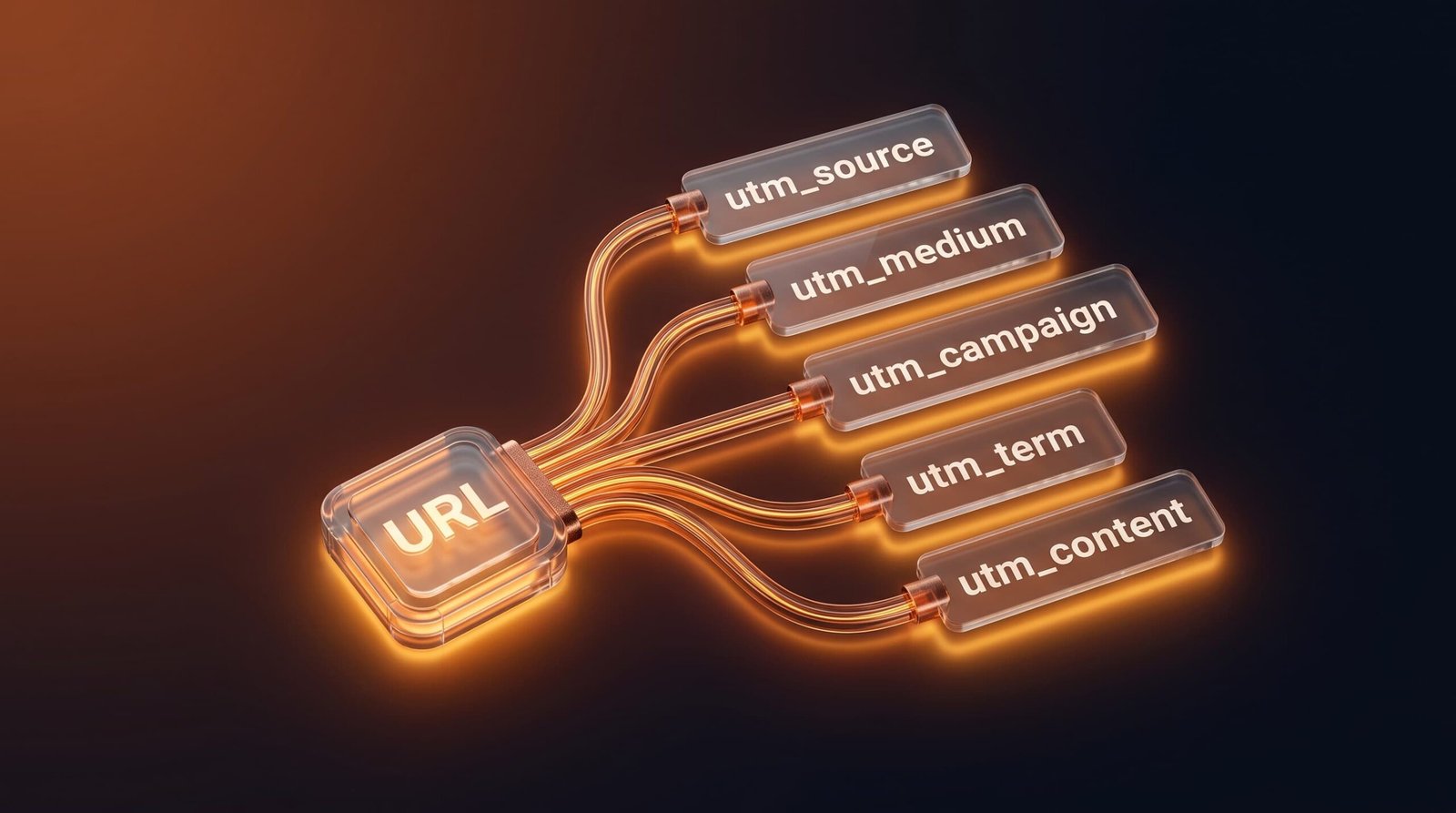
There are five standard UTM tags. Three are what you need for clean tracking; two are optional but useful for paid search and A/B work.
| Parameter | What it answers | Required? | Example value |
|---|---|---|---|
utm_source |
Where did the traffic come from? | Yes | google, facebook, newsletter |
utm_medium |
What type of channel is it? | Yes | cpc, email, paid-social |
utm_campaign |
Which specific promotion? | Yes | spring_sale_2026 |
utm_term |
Which paid keyword? (search ads) | Optional | running+shoes |
utm_content |
Which link or creative? (A/B tests) | Optional | banner_a, text_link |
Fill in source, medium and campaign every time and you’ll get clean, comparable data. The other two are there for when you need to split-test creatives or track individual paid keywords.
One technical note most guides skip: GA4 only strictly requires utm_source to register a campaign. Source, medium and campaign together are what make a report actually readable, though — so in practice, treat all three as non-negotiable and the other two as optional extras.
utm_source vs utm_medium — the difference people get wrong
This is the pair that trips everyone up, so here’s the clean way to hold it in your head:
utm_sourceis the specific platform the click came from. It answers “which website or app?” — google, facebook, linkedin, newsletter.utm_mediumis the type of marketing. It answers “what kind of channel?” — cpc, email, paid-social, organic.
So a Facebook ad is utm_source=facebook and utm_medium=paid-social. A link in your email newsletter is utm_source=newsletter and utm_medium=email. Source is the “who”, medium is the “how”. Keep those two consistent and your GA4 channel reports finally make sense.
UTM cheat sheet: source and medium by channel
Half of all messy analytics comes from tagging the same channel three different ways. Decide your conventions once, write them down, and reuse them forever. Here’s a starting set you can copy:
| Channel | utm_source | utm_medium |
|---|---|---|
| Google paid search | google |
cpc |
| Google organic (don't tag — GA4 tracks it) | — | — |
| Facebook / Instagram ads | facebook / instagram |
paid-social |
| Organic social post | facebook / instagram |
social |
| LinkedIn ads | linkedin |
paid-social |
| Email newsletter | newsletter |
email |
| Email — one-off broadcast | broadcast |
email |
| QR code (print/offline) | print |
qr |
| Affiliate / partner link | partner_name |
affiliate |
| Paid influencer post | influencer_name |
paid-social |

The rule underneath the table: utm_medium should describe a category you’ll want to group by (email, paid-social, cpc), while utm_source names the specific place (newsletter, facebook, linkedin). If you’re running paid campaigns across several networks — say Google, Meta and LinkedIn ads — this consistency is the only thing that lets you compare them fairly later.
How do UTM parameters work?
The flow is short: you tag a link, someone clicks it, and the data lands in your analytics.
- You build a tagged URL — by hand, or with a free UTM builder so you don’t fat-finger the syntax.
- You drop that link into an ad, email, social post or QR code.
- Someone clicks it and lands on your page — the UTM tags ride along in the URL.
- Google Analytics reads the tags and records the visit under that exact source, medium and campaign.
- In GA4 you see it under Reports → Acquisition → Traffic acquisition, split out by your tags.
None of this changes the page the visitor sees, and it doesn’t slow anything down — the tags are just extra text in the URL.
How to create UTM parameters without breaking your data
You can type UTM tags by hand, but it’s genuinely easy to slip in a typo — a stray capital or a space — that quietly splits your reporting in two. The safer route is a builder that assembles the URL for you and enforces the rules.
Drop your link into our free UTM builder, add a source, medium and campaign, and it hands back a clean, lowercase, GA4-ready URL you can copy or turn into a QR code. It’ll also do bulk links if you’re tagging a whole campaign at once.
Once the traffic’s tracked, the next question is whether the money behind it is actually paying off. If you’re running ads, our free ROAS calculator tells you in seconds whether the campaign those tagged links point to is profitable — and it’s worth checking that the pages those links land on load fast, since a slow landing page kills conversions no matter how clean your tracking is. (You can test that with our free website speed test.) All of these sit together in our free marketing tools hub.
UTM best practices and mistakes to avoid
UTMs are only as good as your discipline with them. A few rules save you a mess of unusable reports later:
- Always use lowercase. GA4 is case-sensitive, so “Facebook” and “facebook” become two separate sources and cut your data in half. Pick lowercase and never break it.
- Never tag internal links. Adding UTMs to links between pages on your own site restarts the session and wipes out the real source that brought the visitor in — it corrupts your attribution. Only tag links coming from outside your site.
- Keep naming consistent. Decide once that paid Facebook is always
facebook / paid-social, write it down, and reuse it. “fb”, “FB” and “facebook-ads” are three different sources to Google. - Use underscores or plus signs, not spaces. Spaces get encoded into ugly
%20strings that are easy to mistype. - Keep campaign names human. You’ll be reading these in reports months from now —
spring_sale_2026beatssp_sl_0326. - Don’t UTM-tag links you’re also using for SEO. If you share a tagged link publicly and it gets picked up and linked to, search engines can index the messy version. Keep tagged links to campaigns you control.
Do UTM parameters affect SEO?
Not directly. Search engines ignore UTM parameters for ranking — they’re purely a tracking tool. The one thing to watch is keeping them off your internal links and off any canonical URLs, so Google never treats a tagged version as a separate page. Used the way they’re meant to be — on external campaign links only — UTMs have no negative SEO impact at all. Google’s own campaign URL documentation covers the mechanics if you want the official reference.

Stop guessing where your traffic comes from
UTM parameters are the difference between “we ran some ads and traffic went up” and “the facebook / paid-social / spring_sale_2026 campaign brought 412 visits and 18 sales.” The tags are simple; the discipline of naming them consistently is what turns your analytics from a vanity dashboard into a decision-making tool.
Build a clean, GA4-ready link now with our free UTM builder — no signup, lowercase enforced, QR code included. And if you’d rather have your whole campaign-tracking setup done properly — UTMs, GA4, conversion tracking, the lot — Devlet’s digital marketing team sets it up so your numbers are trustworthy from day one.
Frequently asked questions
What are the 5 UTM parameters?
The five UTM parameters are utm_source (where the traffic comes from), utm_medium (the channel type), utm_campaign (the specific promotion), utm_term (the paid keyword, optional) and utm_content (which link or creative, optional). Source, medium and campaign are the three you need for clean tracking.
What is the difference between utm_source and utm_medium?
utm_source is the specific platform the traffic comes from (google, facebook, newsletter), while utm_medium is the type of channel (cpc, email, paid-social). Source answers “which website?” and medium answers “what kind of marketing?”. Both are needed for GA4 to report campaigns correctly.
Are UTM parameters case-sensitive?
Yes. Google Analytics treats “Facebook” and “facebook” as two different sources, so always use lowercase to keep your reporting consistent. A good UTM builder can force lowercase for you automatically.
Do UTM parameters affect SEO?
No — search engines ignore UTM parameters for ranking. Just keep them off internal links and canonical URLs to avoid any duplicate-URL confusion. Used only on external campaign links, they have no negative SEO effect.
Can I add UTM parameters to any link?
You can add them to any external link you control — ads, emails, social posts, QR codes. The only place you should never use them is on internal links between pages of your own website, because that overwrites the visitor’s original traffic source.
Where do UTM parameters show up in Google Analytics?
In GA4, tagged traffic appears under Reports → Acquisition → Traffic acquisition, broken down by the source, medium and campaign you set. You can also build custom reports and explorations around your campaign names.
