First, know what you're actually paying for
LLM APIs bill per token, split two ways: input (your prompt, system message and context) and output (what the model writes back). Rates are quoted per million tokens, and output almost always costs several times more than input — on most 2026 models, output runs 4–6× the input rate.
That single fact reshapes where you look for savings: long responses cost far more than long prompts. A model at “$2 / $10” charges $2 per million input tokens and $10 per million output — so a chatty assistant that writes 800-word answers is burning money on the output side, not the prompt. Before you optimize anything, run your real token counts through the cost calculator so you know which side of the bill to attack.
1. Route to the right model (biggest lever by far)
You don’t need a frontier model for classification, tagging, routing, extraction or short summaries — tasks that run thousands of times a day. Those belong on a cheap, fast tier. Reserve the expensive flagship models for the work that genuinely needs deep reasoning: complex agents, contract analysis, the decisions where a wrong answer costs real money.
The gap is enormous. As of September 2026, the cheapest capable models (Gemini’s Flash-Lite tiers, GPT-5.6 Luna, Claude Haiku 4.5) sit around $0.10–$1 per million input tokens, while flagships (GPT-6 Astra, Claude Opus 5, Claude Fable 5.1) run $5–$10. Moving routine traffic down a tier — a pattern called model routing — is the single highest-impact change most teams can make. Keep routine calls on a cheap model and escalate only the hard cases.
2. Cache your repeated context
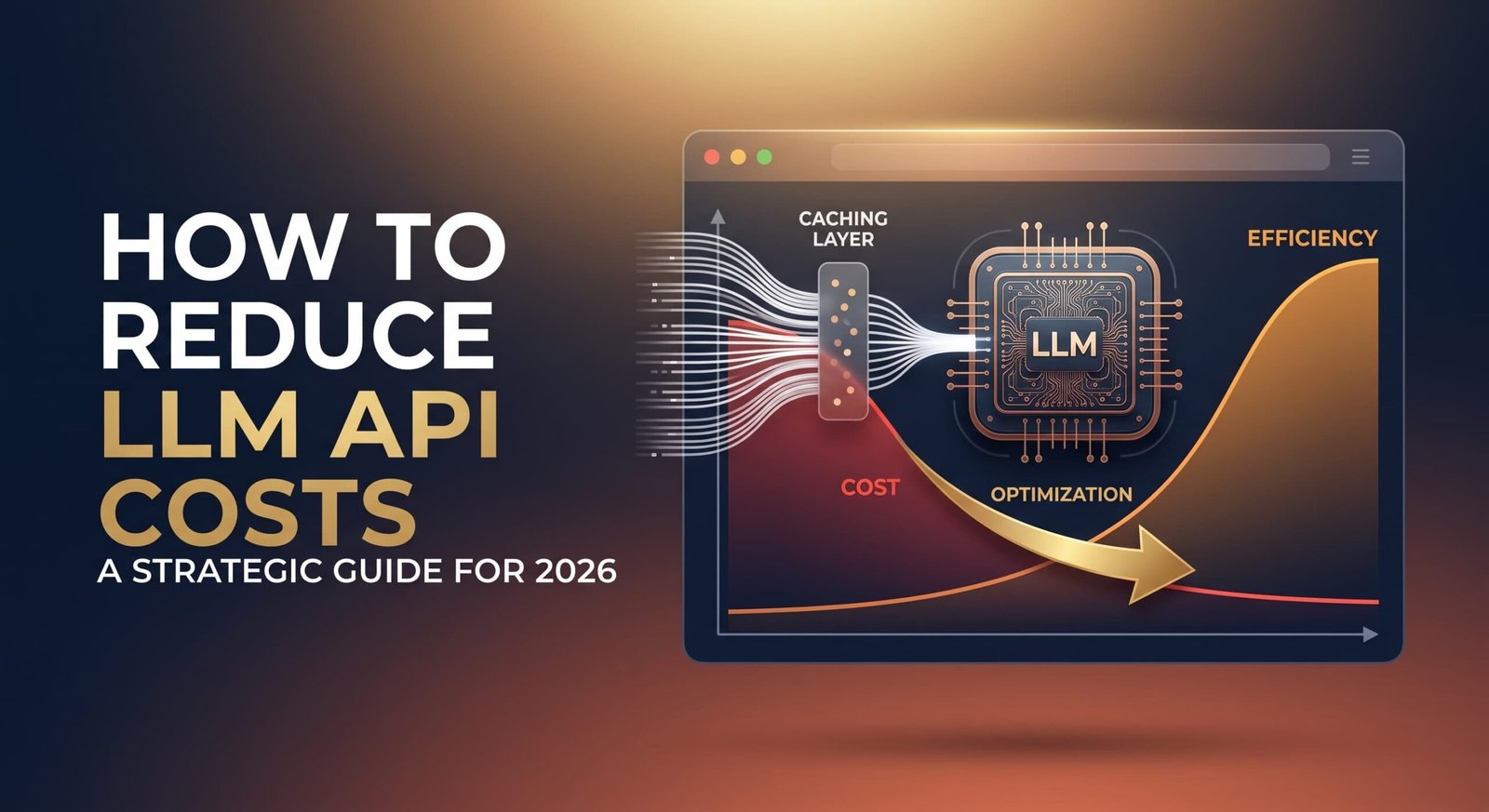
If every request reuses the same system prompt, instructions or reference document, you’re paying full price to send those identical tokens over and over. Prompt caching fixes that: after the first call, the provider bills those cached tokens at roughly 10% of the input rate on a hit.
For anything with a large fixed prefix — a support bot with a detailed system prompt, a RAG app that reloads the same context — caching alone can cut the bill substantially. A support bot that looks like $120/month on paper can drop closer to $66 once the system prompt is cached. It’s one of the least-effort, highest-return changes available.
The honest truth is they’re converging. The same fundamentals — answer the question directly, structure it clearly, prove you’re trustworthy — help all three. We break the SEO-vs-AI-search distinction down further in our guide to AEO vs SEO, but for this piece, treat GEO as the newest and widest of the three: it’s about AI systems that generate answers rather than just rank pages.

3. Batch everything that isn't real-time
Not every job needs an instant answer. Bulk classification, content generation, data enrichment, overnight processing — anything asynchronous can run through the Batch API at 50% off both input and output on every major provider. If a workload doesn’t need a response in the next few seconds, batching halves its cost for essentially no downside.
The savings stack, too: a cached request run through Batch can cost a small fraction of a standard, uncached one. Toggle batch mode in the calculator to see the effect on your numbers.
4. Trim prompts and cap output
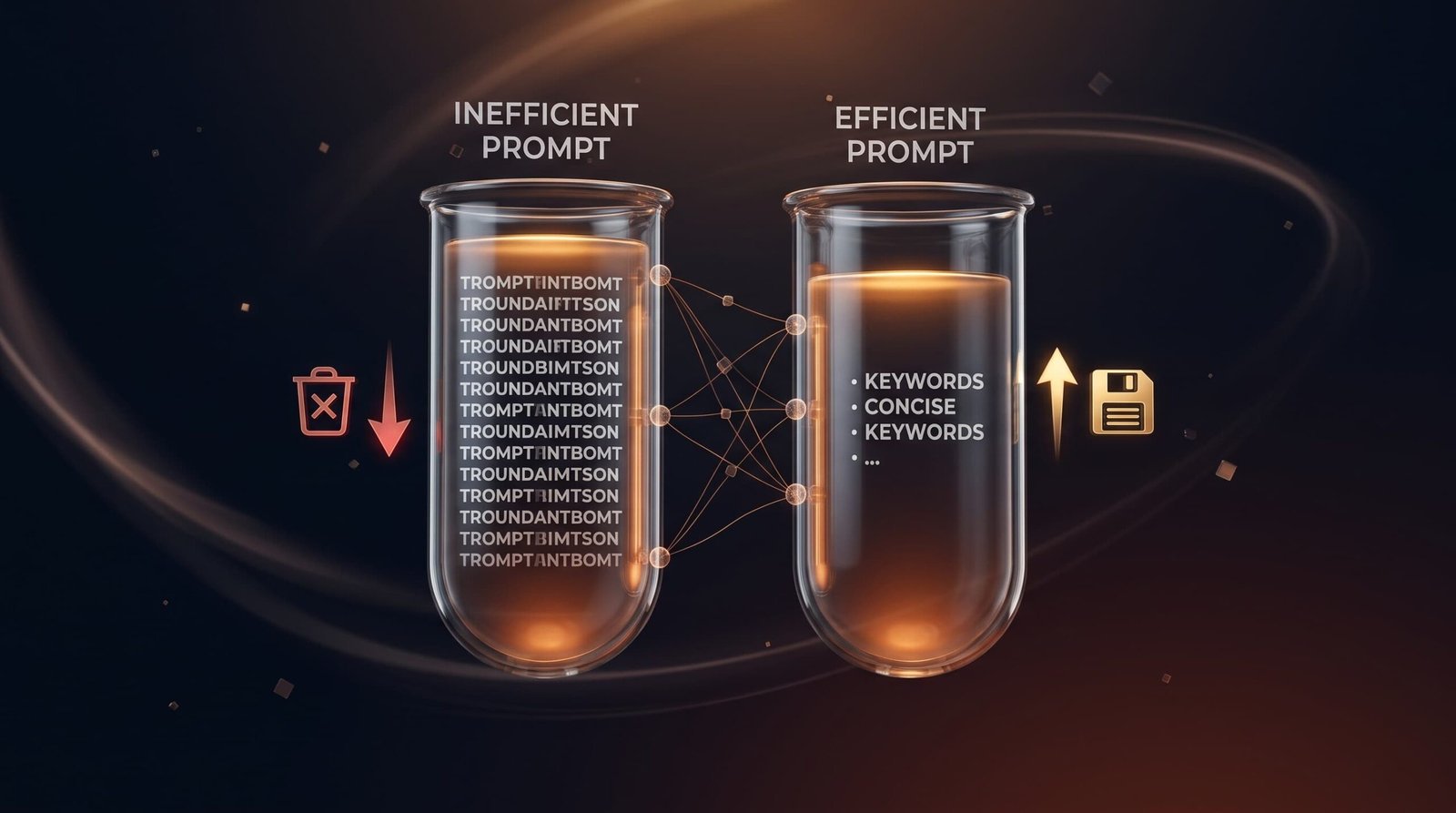
Since output is the expensive side, capping response length is one of the fastest wins — set a sensible max_tokens and you stop paying for rambling answers you never needed. On the input side, tighten bloated system prompts and stop stuffing entire documents into context when a retrieved snippet would do. Shorter prompts, capped output, lower bill — no quality loss when done carefully.
5. Watch for the pricing traps
A few things quietly inflate bills that the headline rate doesn’t show:
- Thinking/reasoning tokens count as output. Reasoning models can burn thousands of hidden tokens per request, billed at the output rate. Budget per workload, not per visible response.
- Long-context surcharges. Several providers charge a higher rate once a single prompt crosses a threshold (often ~200K tokens). Big prompts can bill at double the headline rate.
- Promotional rates expire. Some 2026 rates are introductory and revert on a set date. Don’t build a budget on a price that’s scheduled to double.
Because rates shift this often, the calculator lets you edit every rate — so you can model a price change or your own negotiated rate before it hits your invoice.
Do the math before you commit
The mistake that costs the most isn’t picking the “wrong” model — it’s picking a default and never checking the math on your real workload. Plug your typical input tokens, output tokens and monthly volume into the free LLM API cost calculator; it shows your per-request, monthly and yearly cost and compares every model so the cheapest option for your usage is obvious.
And if you’d rather have model routing, caching and cost monitoring built into your app properly from the start, Devlet’s AI integration team builds AI features that stay affordable at scale — we handle custom AI models and production integrations end to end.
Frequently asked questions
How can I reduce my OpenAI API costs?
Route routine tasks to cheaper models (like the GPT-5.6 Luna or nano tiers instead of the flagship), cache repeated context at ~10% of input cost, run non-urgent jobs through the Batch API at 50% off, and cap output length. Model choice is the biggest lever.
What's the cheapest way to use an LLM API?
Use the smallest model that meets your quality bar, cache any fixed context, batch asynchronous work, and keep prompts and responses tight. For high-volume, simple tasks, a budget tier like Gemini Flash-Lite, GPT-5.6 Luna or Claude Haiku 4.5 costs a fraction of a flagship.
Does prompt caching really save money?
Yes — cached input tokens bill at roughly 10% of the standard input rate on a hit, so any workload with a large repeated prompt or document sees a real cut. It’s most effective for chatbots and RAG apps with a consistent system prompt.
Why is my API bill higher than the pricing page suggests?
Usually because output tokens (billed at the higher rate) dominate, reasoning/thinking tokens count as output, or a long prompt crossed into higher long-context pricing. Model your real token counts in a cost calculator to see where the money actually goes.